
Browser-based editing
The current tool works locally in your browser; FuzzyPlate does not receive or store the image.
FuzzyPlate can suggest likely vehicle registration plates, then lets you review and adjust them. Import photos individually or from a ZIP archive, then blur, pixelate or cover selected details before downloading sharing copies. No account required.
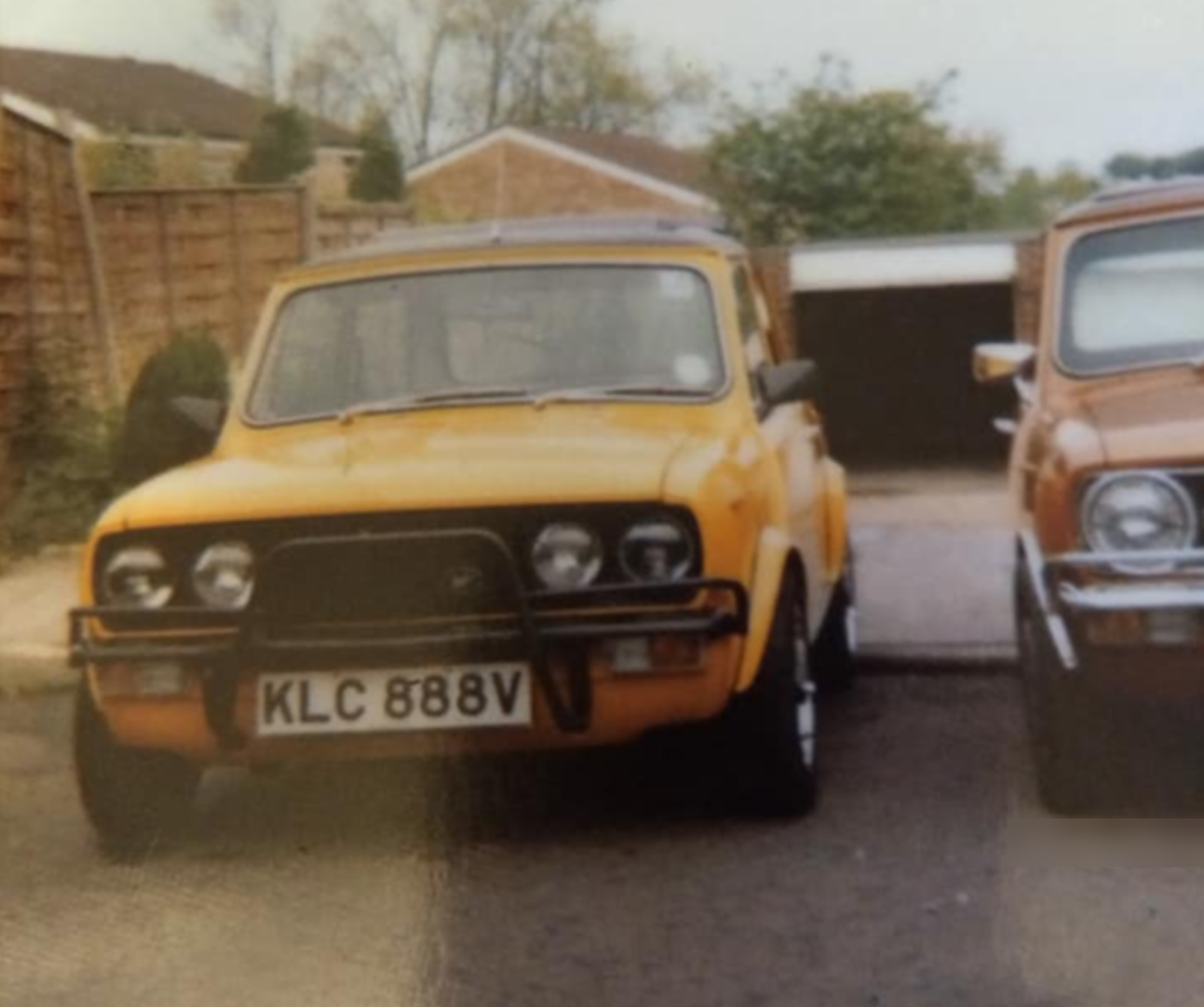
About the sample image
The plate is visible here intentionally. This 1980 Wood & Pickett Mini 1275GT was stolen from Oakleigh Park Ave, Chislehurst BR7 5PB in April 1990, sometime between 7.30am and 5.00pm, and was never seen or heard of again. It had recently had an engine rebuild and substantial work as it was being brought back to showroom condition.
For current vehicle photos, especially customer, fleet or sale images, FuzzyPlate is built to help make a blurred sharing copy.
Simple privacy habit
When you are selling a car online, the photos need to show condition, mileage clues, trim and details buyers care about. The registration plate is often not the reason the image is public, so creating a clean sharing copy can reduce unnecessary exposure.
Vehicle photos also travel quickly on social media, forums and group chats. Blurring or pixelating visible plates before posting helps keep attention on the car, event or repair rather than a registration detail that may be copied beyond the original audience.
Garages, detailers and workshops often publish before-and-after photos to show quality work. Reviewing visible plates, reflections and background vehicles is a sensible step before sharing customer vehicle images.
Fleet and company vehicle photos can be reused in reports, supplier messages or marketing updates. An edited copy is useful when the specific registration is not needed by the audience.
FuzzyPlate is designed to help reduce accidental public exposure of registration details and other incidental information in a vehicle photo. It does not guarantee privacy or replace careful review, but it gives you a quick browser-based way to obscure the details you choose before sharing.
Whether you are preparing a sale listing, a social post or workshop photographs, start with the FuzzyPlate editor, then use the FAQ for concise answers about automatic suggestions, manual review and the browser-based workflow. Learn more about FuzzyPlate and its limitations.
Built for simple vehicle photo privacy
Automatic suggestions help with the first pass, while manual review keeps you in control of what gets obscured.
The current tool works locally in your browser; FuzzyPlate does not receive or store the image.
Use Detect plates to find likely plate areas, then review and adjust each suggestion before saving it. Suggestions do not cover signs or other details.
Choose the effect that suits the photo, then apply it to a registration plate, sign, reflection or other area you select.
Add photos individually or import a ZIP archive, work through the queue one image at a time, then download edited copies individually or together in one ZIP file.
Use the tool without registration, login, subscriptions or server-side image processing.
FuzzyPlate is not affiliated with DVLA, GOV.UK or any government service.
More guidance
For the full workflow, see how FuzzyPlate works; for an overview of common situations, see vehicle photo use cases.